Why Vacation Rental Guests Care About Internet
Look at one-star reviews on Airbnb for rural cabins and mountain retreats. A huge percentage mention slow or nonexistent Wi-Fi. Guests in 2026 expect to stream, work remotely, and stay connected even at a cabin in the woods. If your listing says "no internet" or "limited connectivity," you are losing bookings.
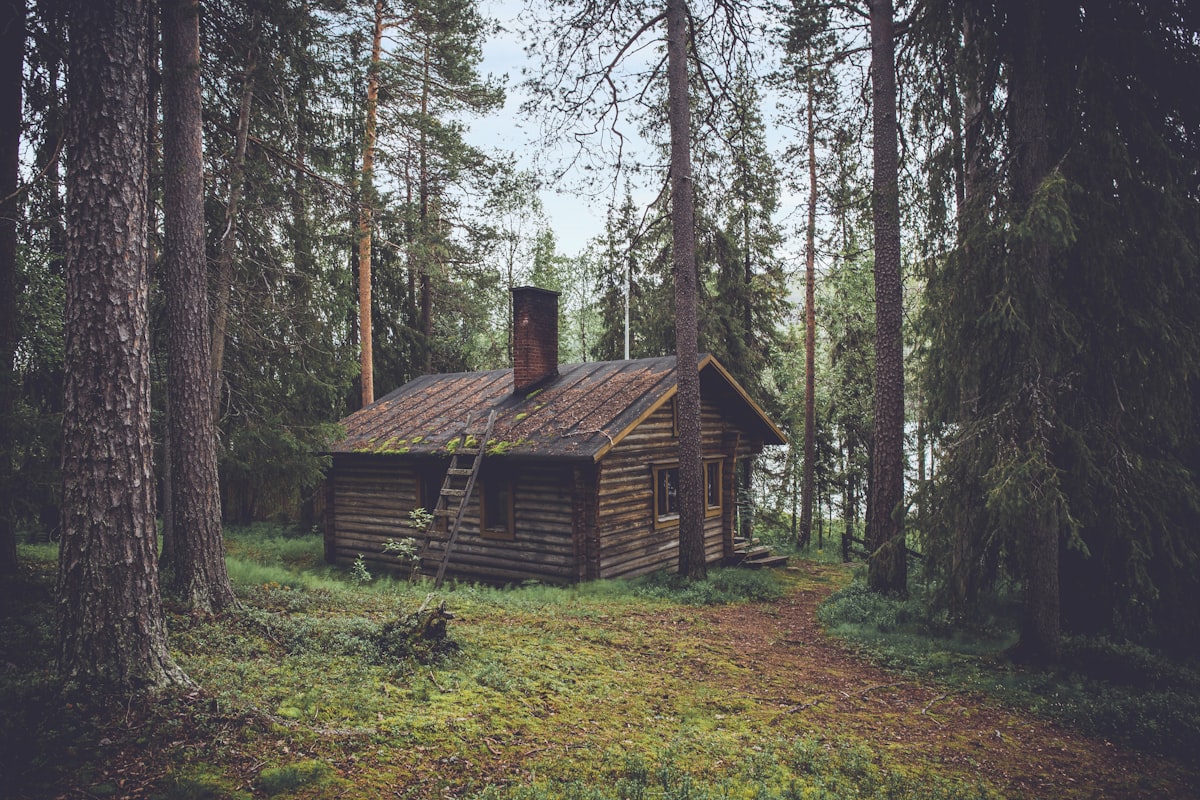
Starlink lets you offer reliable broadband at properties where cable and fiber will never reach. For a cabin in the Smokies, a lake house in Wisconsin, or a desert retreat in New Mexico, it is often the only option for real internet.
Choosing the Right Plan
Standard 200 Mbps ($80 per month): Best for most vacation rentals. Supports streaming on multiple devices, video calls, and general browsing for a full property of guests. Up to 200 Mbps download.
Standard MAX ($120 per month): If your rental sleeps 8 or more guests and they will all be streaming simultaneously, the extra bandwidth helps. Up to 400 Mbps.
Roam plans are not ideal for a fixed vacation rental because they are designed for portable use and may not deliver the same consistent speeds as a standard plan locked to your address.
Equipment cost: $349 one-time for the Standard Kit.
Installation Tips for Rental Properties
Mount it permanently and out of reach. A roof mount or high pole mount keeps the dish away from curious guests, children, and weather at ground level. A guest should never need to interact with the dish.
Hide the router. Place the router in a closet, utility room, or locked cabinet. Guests do not need to see or touch it. Label the Wi-Fi network name and password clearly in your welcome guide.
Use a separate network. If you have connected property devices like a Nest thermostat, smart locks, or security cameras, put them on a separate network from the guest Wi-Fi. This prevents guests from accessing or interfering with your property management devices. Most modern routers support guest networks or VLANs.
Consider a mesh system. If the rental has multiple buildings (main house plus guest house, for example) or thick log walls, the Starlink router alone may not cover everything. A mesh system like Eero or TP-Link Deco extends coverage.
Managing Guest Usage
Set expectations in your listing. Describe the internet as "high-speed satellite internet (Starlink)" and mention typical speeds. Do not promise specific numbers since Starlink speeds vary. Something like "reliable internet suitable for streaming and video calls" sets the right expectation.
Monitor usage remotely. The Starlink app lets you check connectivity and speeds from anywhere. If a guest reports issues, you can check the connection and dish status without being on-site.
No data caps to worry about. Standard Starlink plans have unlimited data. You do not need to worry about a guest binge-watching Netflix for a week and running up overages.
The ROI Calculation
Good Wi-Fi lets you charge a premium and get better reviews. Properties in rural areas with Starlink regularly command $20 to $50 more per night than comparable listings without internet. Over a year with moderate bookings, the price difference more than covers the $80 per month service and $349 equipment cost.
The review improvement is harder to quantify but equally important. A 4.8-star property with "fast Wi-Fi even in the mountains" in the reviews will outperform a 4.3-star property with "no internet, bring a hotspot" in the complaints.
Common Issues Hosts Run Into
Power outages. If the power goes out, Starlink goes out. A small UPS (uninterruptible power supply, around $50 to $100) keeps Starlink running for 30 to 60 minutes during brief outages.
Snow coverage on the dish. The dish heats itself, but heavy snow in mountain areas can sometimes accumulate faster than it melts. A steep roof mount angle helps snow slide off naturally.
Guest connection questions. Some guests will contact you about Wi-Fi issues that are actually user error. Including clear connection instructions in your welcome guide reduces these calls significantly.
If you own a vacation rental property and want Starlink installed properly, contact us for a quote. We have set up Starlink for dozens of rental properties across the country.
Disclaimer: Starnet Pros is an independent, third-party contractor specializing in commercial mounting, cabling, and custom hardware installation services. We are not affiliated with, authorized by, sponsored by, or an official partner of Starlink or SpaceX. All product names, trademarks, and registered trademarks (including “Starlink”) are the property of their respective owners and are used here solely for descriptive purposes to identify the equipment being installed.