1. Leaving the Dish on the Ground
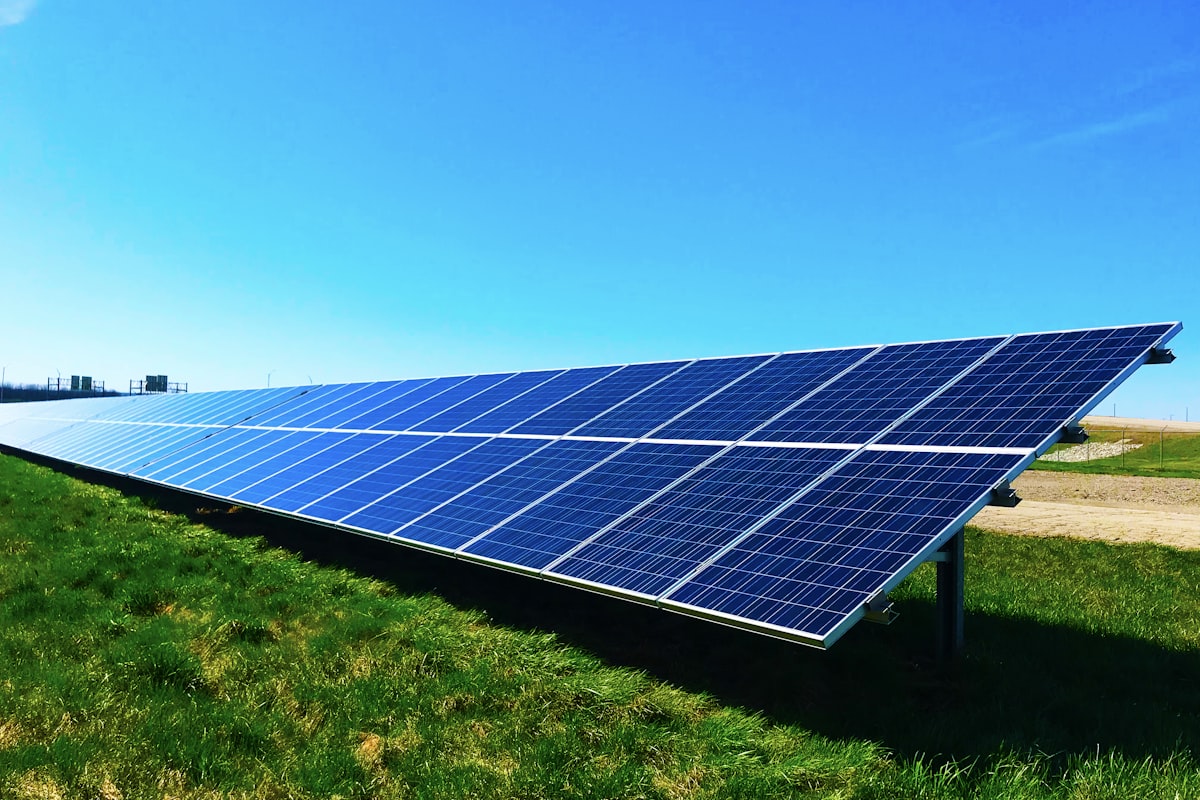
This is the most common mistake and the one with the biggest impact. The dish sitting on its kickstand in the yard means every fence, bush, vehicle, and structure nearby is a potential obstruction. Ground-level placement almost always results in 30 to 50 percent slower speeds than roof mounting.
Fix: Mount the dish on your roof or a pole. Even moving it to a table on a second-floor deck helps.
2. Ignoring the Obstruction Checker
The Starlink app has a free tool that shows you exactly what is blocking your dish's sky view. Many people skip this step entirely and place the dish wherever is convenient. Then they wonder why speeds are slow.
Fix: Before choosing a final location, run the obstruction checker at multiple spots on your property. Pick the location with the least red.
3. Running the Cable Through a Window
Rather than drilling through a wall, many DIY installers crack a window open and run the cable through the gap. This prevents the window from sealing properly, lets in insects and weather, and puts the cable at risk of being pinched or damaged when someone closes the window.
Fix: Drill a proper hole through the wall and install a cable pass or grommet. Seal it with silicone. It takes 10 minutes and looks 100 times better.
4. Not Securing the Mount
Zip ties, duct tape, and bungee cords are not mounting hardware. The dish catches wind like a sail, and an unsecured mount will fail during the first real storm. We have seen dishes blown off roofs, knocked off railings, and dragged across yards.
Fix: Use proper mounting hardware with bolts, lag screws, or clamps rated for wind loads. If mounting on a roof, use appropriate flashing or sealant to prevent leaks at penetration points.
5. Installing in Winter and Forgetting About Trees
A location that looks clear in February may be completely blocked by June when deciduous trees have full canopies. We see this every spring — customers call because their Starlink suddenly got worse, and the answer is always the same: leaves.
Fix: When evaluating a mounting location in winter, look at the trees around you and imagine them with full foliage. If branches extend into the dish's field of view, they will cause problems in summer.
6. Hiding the Router in a Closet
The Starlink router broadcasts Wi-Fi. Putting it in a closet, behind furniture, or in a basement dramatically reduces signal strength throughout your building. People then blame Starlink for slow speeds when the issue is their Wi-Fi, not their satellite connection.
Fix: Place the router in a central, open location. If you must keep it in a less-than-ideal spot due to cable routing, add a mesh Wi-Fi system to extend coverage.
7. Not Protecting the Cable
The Starlink cable is not armored. It is a flat, relatively delicate cable that sits on the ground wherever you route it. Lawnmowers, weed trimmers, foot traffic, and rodents all damage unprotected cables. A replacement cable costs about $35 and takes weeks to arrive.
Fix: Bury the cable in conduit, run it along protected surfaces, or route it through walls. Any path that keeps it away from mechanical damage and animal teeth.
8. Choosing the Wrong Plan Tier
Some customers buy the cheapest plan and then complain about speeds, not realizing that the $50 plan is intentionally slower than the $80 and $120 plans. Others buy the $120 MAX plan when the $50 plan would serve their needs perfectly.
Fix: Match your plan to your actual usage. Single user with light usage: $50 plan. Busier site or remote worker: $80 plan. Heavy multi-user site: $120 plan. You can change tiers at any time through the Starlink app.
The Common Thread
Almost every mistake on this list comes from the same root cause: rushing the installation. Taking an extra hour to find the right mounting location, properly route the cable, and set up the network correctly pays off in years of better performance.
If you have already made some of these mistakes and want them fixed, reach out to us or book an installation. We fix DIY setups regularly and the improvement is usually dramatic.
Disclaimer: Starnet Pros is an independent, third-party contractor specializing in commercial mounting, cabling, and custom hardware installation services. We are not affiliated with, authorized by, sponsored by, or an official partner of Starlink or SpaceX. All product names, trademarks, and registered trademarks (including “Starlink”) are the property of their respective owners and are used here solely for descriptive purposes to identify the equipment being installed.